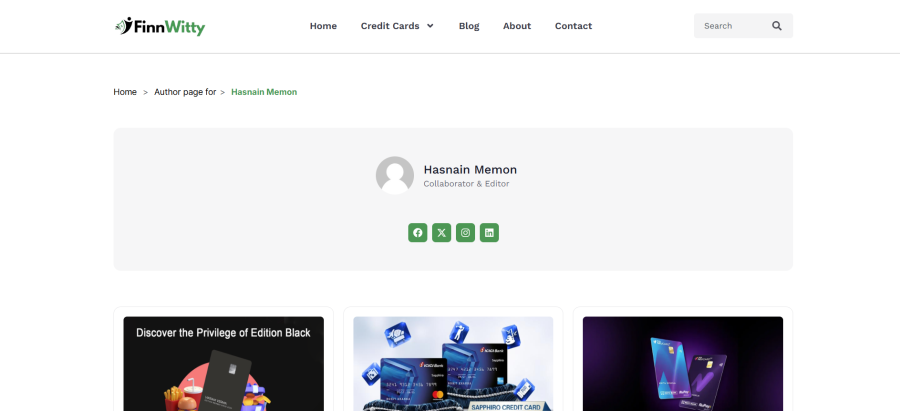
A Simple & Lightweight Breadcrumb Navigation Plugin for WordPress
If you’re looking for a clean, fast, and easy way to add breadcrumb navigation to your WordPress site—without the bloat of large SEO plugins—Breadcrumbs Made Easy is the perfect choice. Designed for performance and simplicity, this plugin does exactly what it promises: shows breadcrumbs, effortlessly.
- ⚡ Lightweight & Fast – Won’t slow down your site. Built for speed and simplicity.
- 🛠️ Easy Setup – Just install, activate, and your breadcrumbs are ready to go.
- 📌 Use Anywhere – Place breadcrumbs anywhere on your site using the shortcode [easy_breadcrumbs].
- 🎨 Custom Styling – Choose font size, color, and more to match your website’s design.
- 👨💻 Beginner-Friendly – No coding skills needed. Configure everything from a clean and simple settings page.
🔒 Plugin Insights & Usage Tracking
To help improve the plugin and user experience, Breadcrumbs Made Easy securely sends basic usage data to ConicPlex.com when the plugin is activated, deactivated, or uninstalled.
The data includes:
- Site URL
- Admin email
- WordPress version
- Plugin version and name
- Timezone, language, and more
For full details, please refer to our Privacy Policy and Terms & Conditions.
👨💼 Developed by ConicPlex
This plugin is proudly developed by ConicPlex, a trusted name in custom WordPress plugin development.