ConicPlex

Start Your Project

WordPress Plugin

PlexBlocks – Before After Image Comparison for block editor

Add an interactive before-and-after image comparison block to WordPress with a draggable slider handle — right inside the Block Editor. Perfect for transformations, product comparisons, renovations, photo edits and case studies.

Platform

WordPress

Price

Free
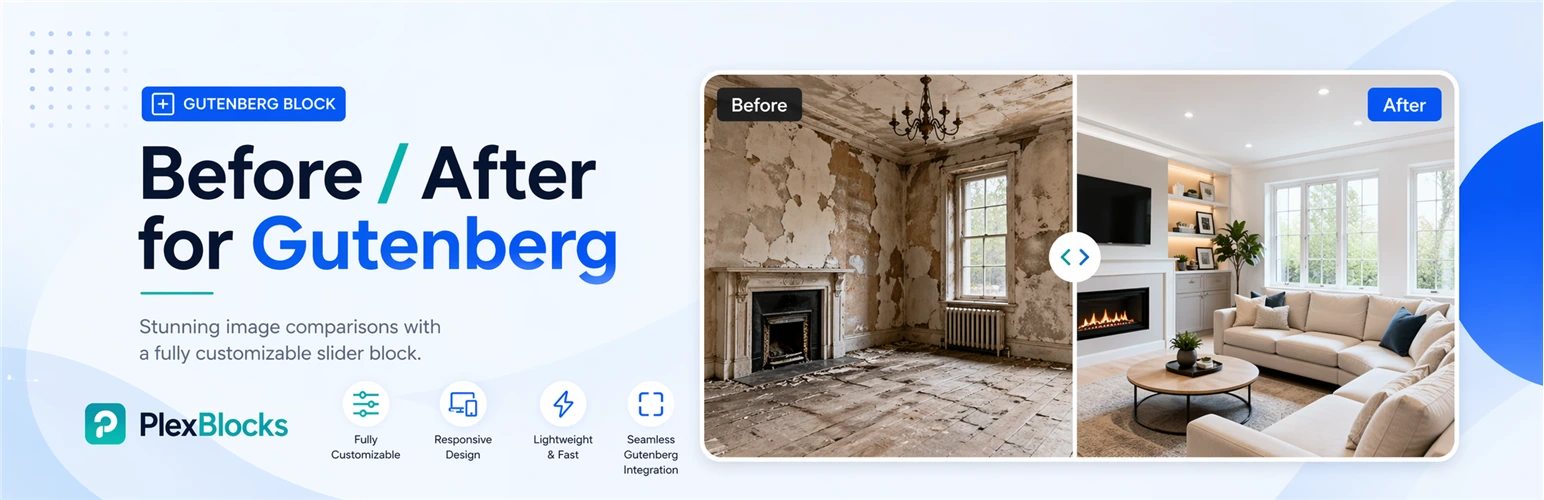
PlexBlocks Before and After for Gutenberg plugin banner showcasing a customizable image comparison slider block with before-and-after renovation images, responsive design, lightweight performance, and seamless Gutenberg integration.

01 · Details

Add an interactive before-and-after image comparison block to your WordPress website with ease.

Before / After Plex Block helps users compare two images using a draggable slider handle directly inside the WordPress block editor. It’s perfect for showcasing transformations, product comparisons, renovation projects, photo edits, case studies, and more.

Whether you want to display design improvements, before/after transformations, or product comparisons — this plugin makes it simple and visually engaging.

Key Features

  1. Easy before and after image selection
  2. Interactive draggable comparison slider
  3. Vertical comparison mode
  4. Horizontal comparison mode
  5. Custom before/after labels
  6. Option to hide labels
  7. Height control customization
  8. Border radius settings
  9. Custom color controls
  10. Shadow styling options
  11. Fully compatible with WordPress Block Editor (Gutenberg)

Why Use Before / After Plex Block?

This plugin helps businesses, creators, agencies, photographers, and developers present visual comparisons in a more interactive way.

Perfect for:

  • Photo editing showcases
  • Home renovation projects
  • Product comparisons
  • Website redesign comparisons
  • Marketing campaigns
  • Portfolio case studies
  • Medical/aesthetic transformations

03 · Installation

Method 1: Install from WordPress Dashboard

  1. Login to your WordPress dashboard
  2. Navigate to Plugins → Add New
  3. Search for Before / After Plex Block
  4. Click Install Now
  5. Activate the plugin
  6. Add the block inside Gutenberg editor

Method 2: Manual Installation

  1. Download the plugin ZIP file
  2. Upload the plugin folder to: /wp-content/plugins/
  3. Activate the plugin through WordPress admin
  4. Open the block editor
  5. Insert the Before / After block

How It Works

  1. Add the Before / After block to your page/post
  2. Upload your “Before” image
  3. Upload your “After” image
  4. Customize slider orientation
  5. Edit labels if needed
  6. Publish your content

Want a custom plugin like this?

We build tailored WordPress and WooCommerce plugins — clean code, well documented, ready to ship.

Start Your Project