ConicPlex

Start Your Project

WordPress Plugin

PlexBlocks – Accordion for Block Editor

Create clean, collapsible accordion sections directly inside the WordPress Block Editor. Reduce clutter and improve readability with expandable content — no coding required.

Platform

WordPress

Price

Free
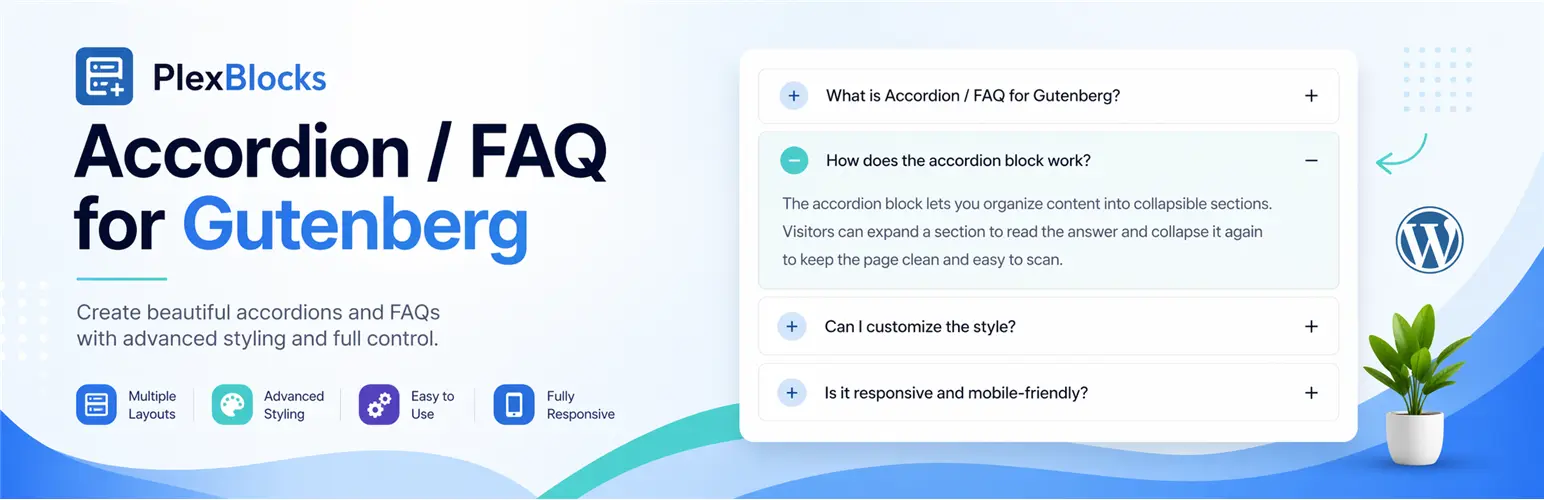
PlexBlocks Accordion FAQ for Gutenberg plugin banner showing collapsible FAQ sections with advanced styling, multiple layouts, easy customization, and responsive design.

01 · Details

Create Beautiful, Collapsible Content with Gutenberg Accordions

PlexBlocks Accordion makes it easy to organize and display content using clean, interactive accordion sections directly within the WordPress Block Editor. Improve readability, reduce page clutter, and enhance user experience with expandable content blocks that require no coding.

Whether you’re building FAQs, knowledge bases, product information, documentation, or service pages, PlexBlocks Accordion provides a simple and flexible way to present information in a structured format.

Key Features

  1. Native Gutenberg Block
  2. Expand & Collapse Content
  3. Multiple Accordion Items
  4. Responsive Design
  5. Flexible Styling Controls
  6. Lightweight & Optimized

Perfect For

  • Frequently Asked Questions (FAQs)
  • Product Information
  • Service Details
  • Knowledge Bases
  • Documentation Pages
  • Tutorials & Guides
  • Help Centers
  • Course Content
  • Business Websites
  • Landing Pages

03 · Installation

  1. Install and activate the PlexBlocks Accordion plugin.
  2. Open any page or post using the WordPress Block Editor.
  3. Add the Accordion block.
  4. Create your accordion items and add content.
  5. Customize the appearance to suit your website.
  6. Publish your page and start displaying collapsible content.

Want a custom plugin like this?

We build tailored WordPress and WooCommerce plugins — clean code, well documented, ready to ship.

Start Your Project