Back
Back
Back
WordPress Plugin
Platform
Price
01 · Details
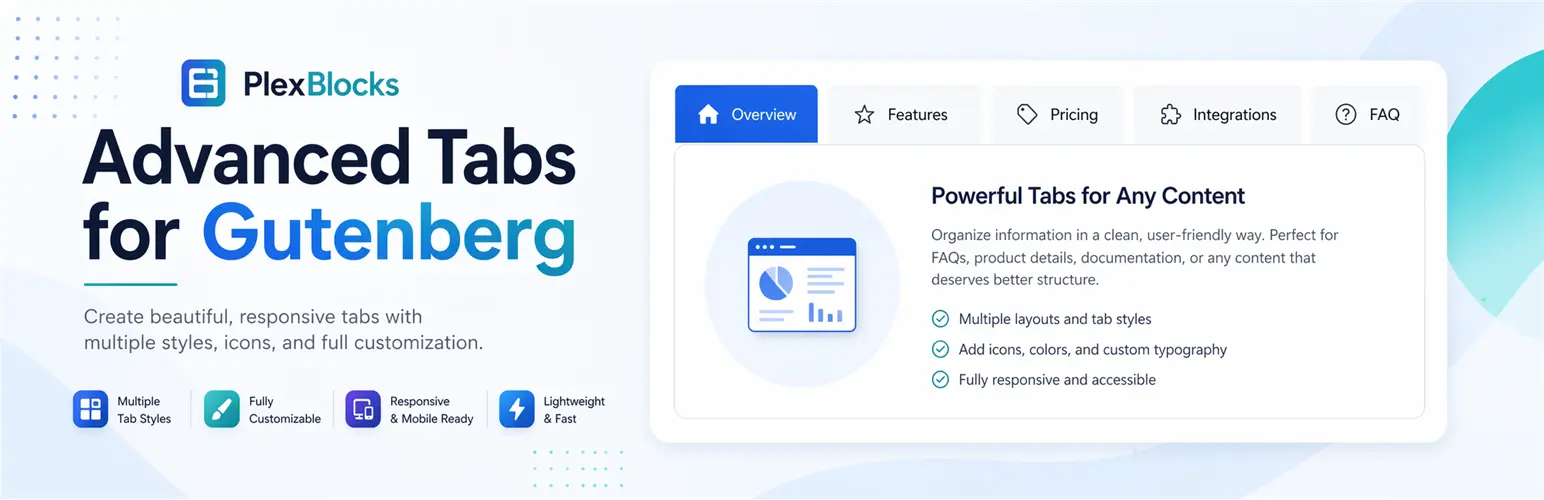
PlexBlocks Advanced Tabs helps you create clean, organized, and user-friendly tabbed content directly inside the WordPress Block Editor. Display large amounts of information in an easy-to-navigate layout without overwhelming your visitors.
Perfect for FAQs, product information, service details, pricing sections, documentation, feature comparisons, and more, this Gutenberg block allows you to build responsive tab layouts without writing a single line of code.
PlexBlocks Advanced Tabs simplifies content organization while improving the browsing experience for your visitors. Instead of displaying long sections of content, present information inside intuitive tabs that are easy to navigate and visually appealing.
Built specifically for Gutenberg, the plugin integrates naturally into the WordPress editing experience while giving you the flexibility to create professional tab layouts in just a few clicks.
Whether you’re building business websites, landing pages, documentation portals, or agency websites, PlexBlocks helps keep your content structured and engaging.
03 · Installation
We build tailored WordPress and WooCommerce plugins — clean code, well documented, ready to ship.
Start Your Project
